Recruitment software to attract and hire talent
Publish your openings on your own job portal, organize every application in a visual pipeline and hire without losing a single CV along the way.
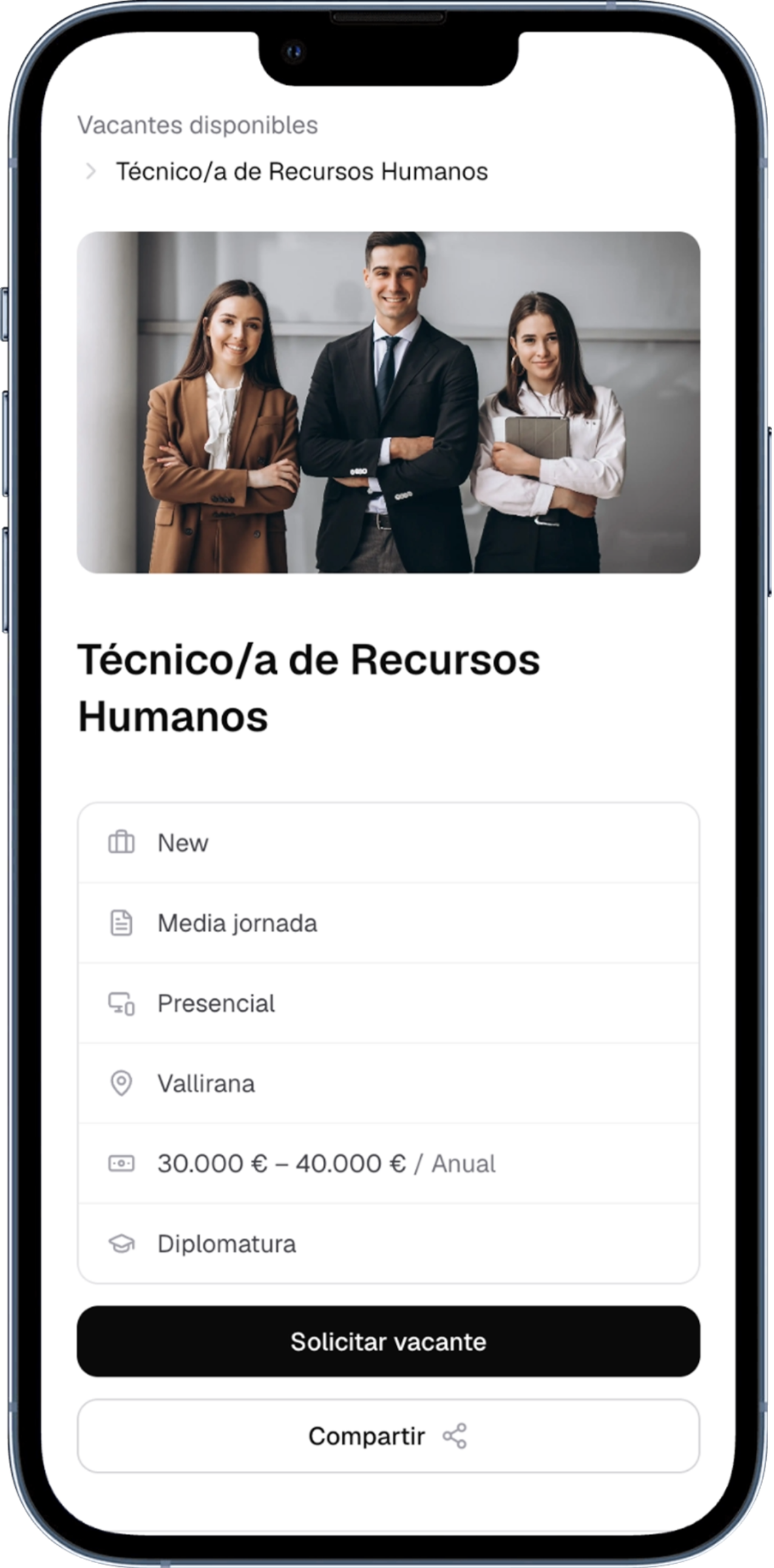
Create and publish a job opening in minutes
A five-step wizard takes you from the role details all the way to the application form, with a live preview of what the candidate will see before you publish.



- Role, work centre, work model and number of positions
- Description with a rich text editor and a cover image
- Salary range, working hours, education and contract type
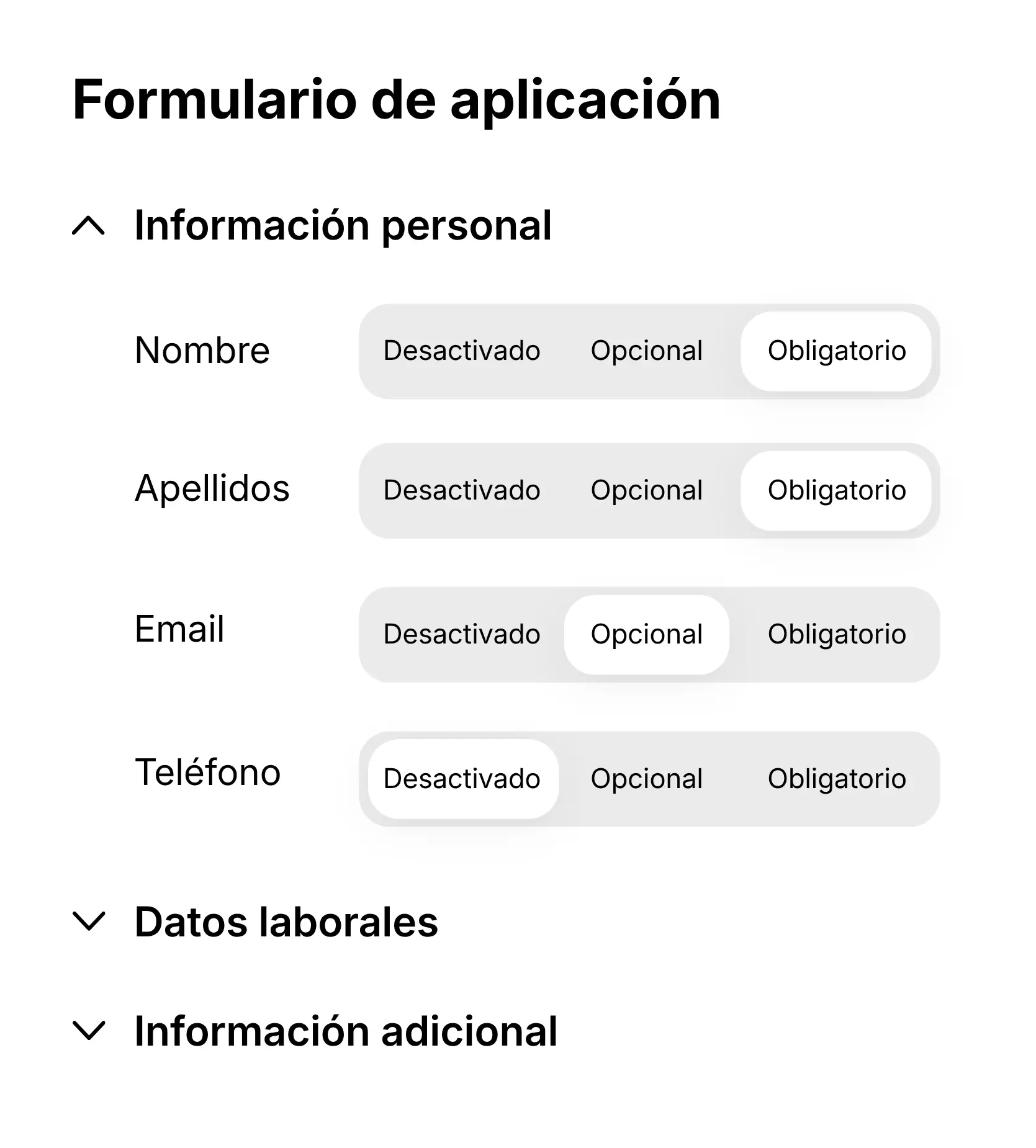
- A form of your own: choose field by field what you ask for in the vacancy
Define a hiring process with stages of your own
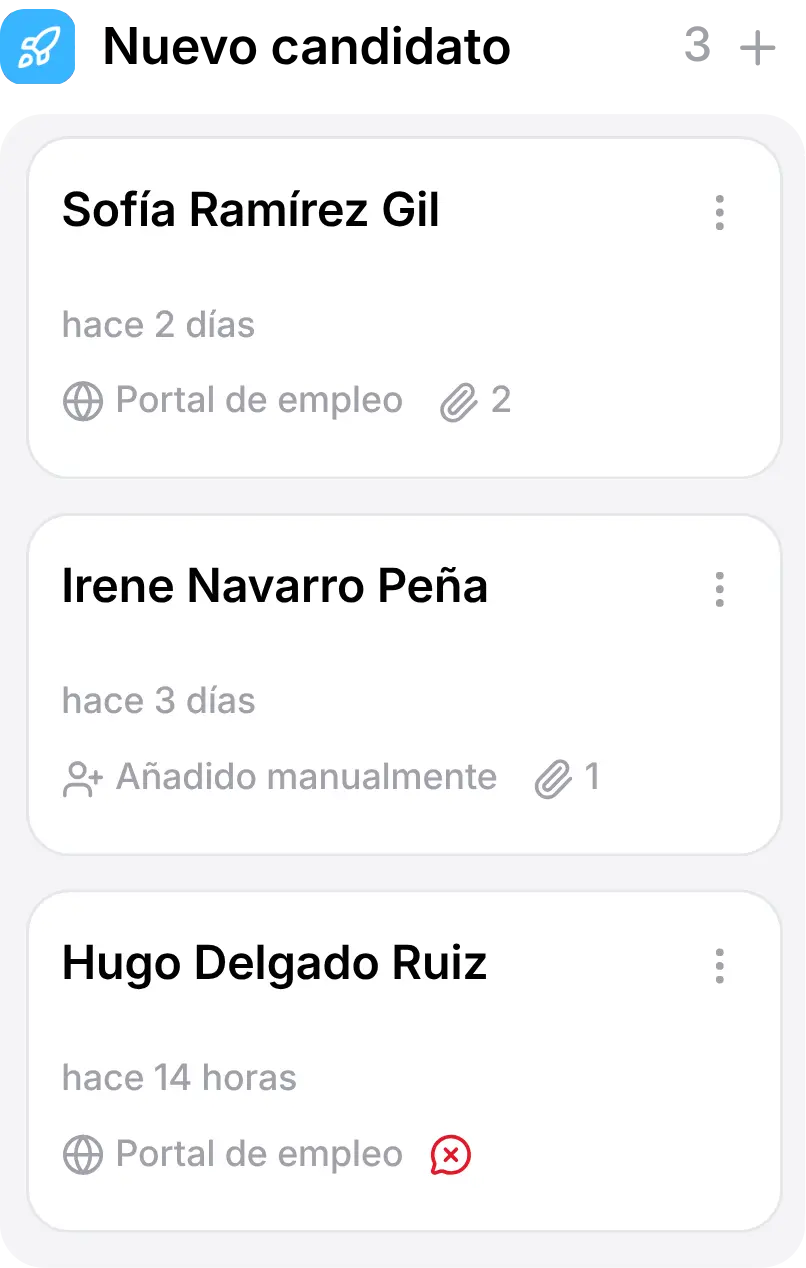
Organize the candidates between custom stages and always see in which step of the process stands, without opening a spreadsheet.
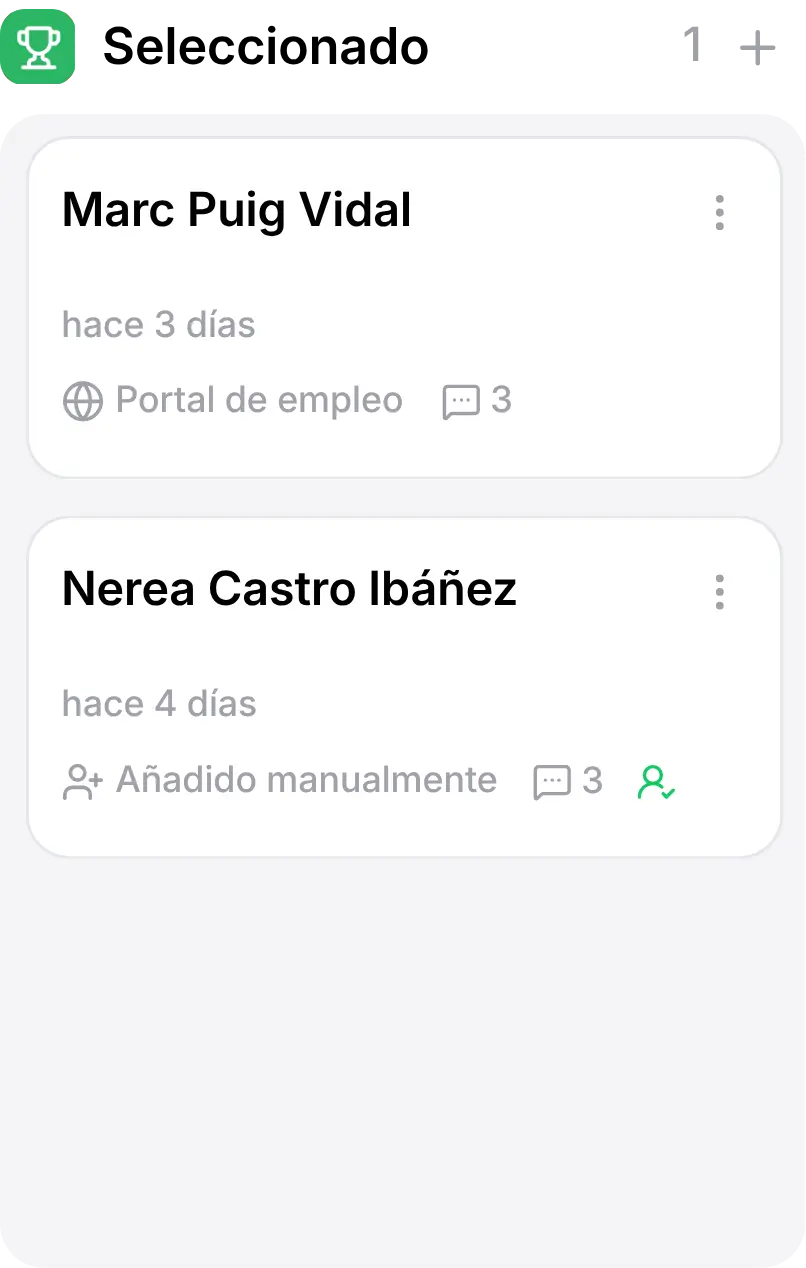
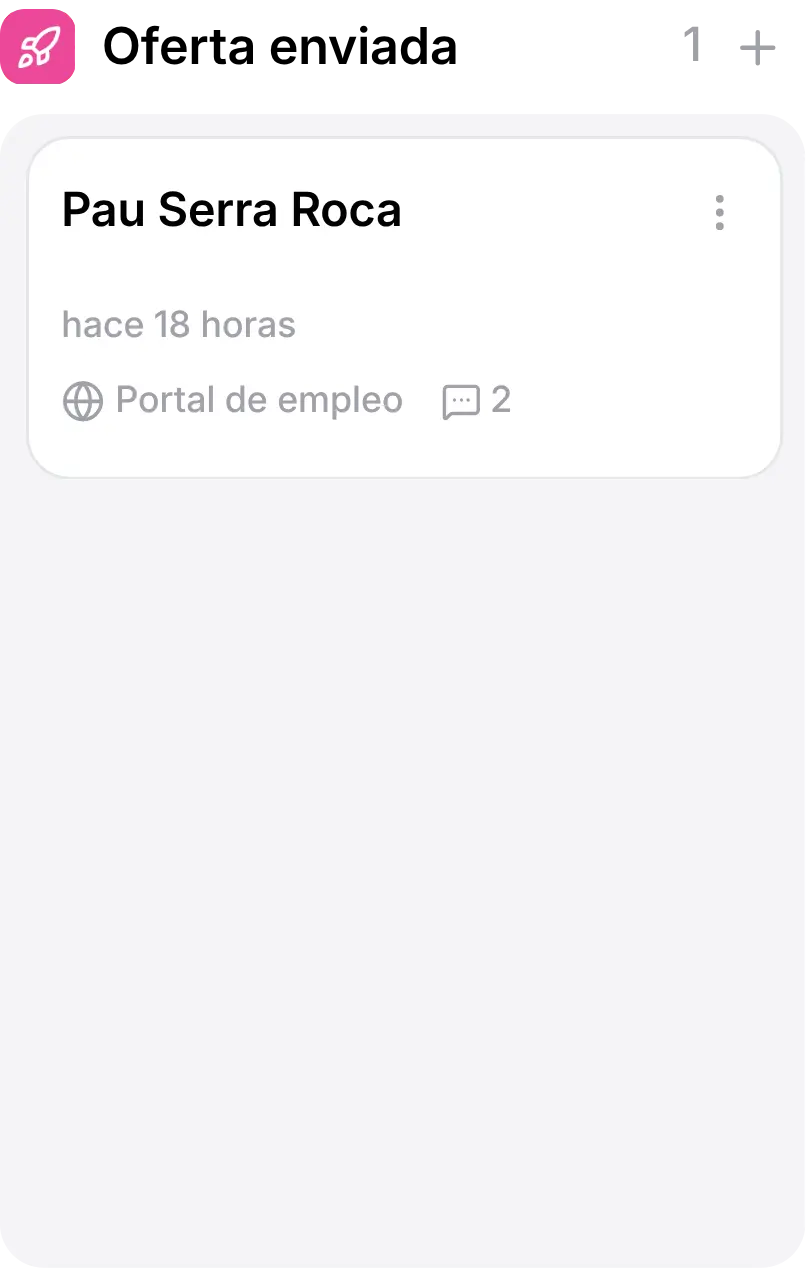


Stages your way
A name, a colour and an icon of your own for every stage of your hiring process.
Reusable templates
Define your pipeline once and apply it to every opening you publish.
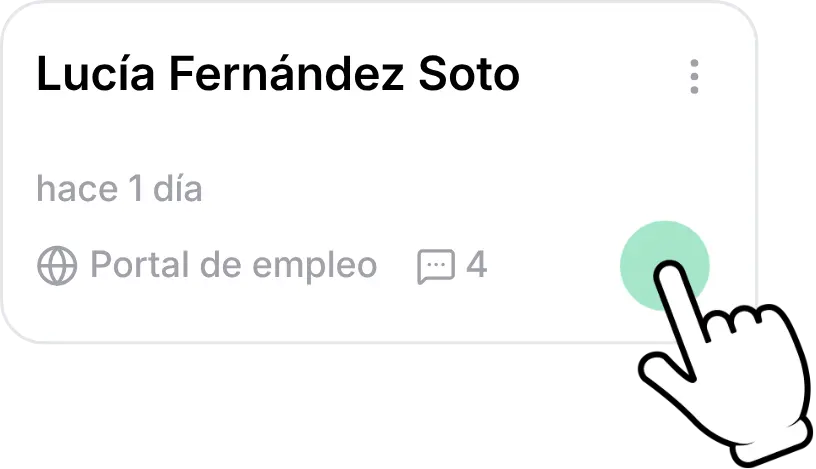
Drag and drop
Move a candidate to another stage with a single gesture, with no page reload.
Everything in sight
How many candidates sit in each stage, and which ones are still waiting for a review.
Screen candidates before the first interview
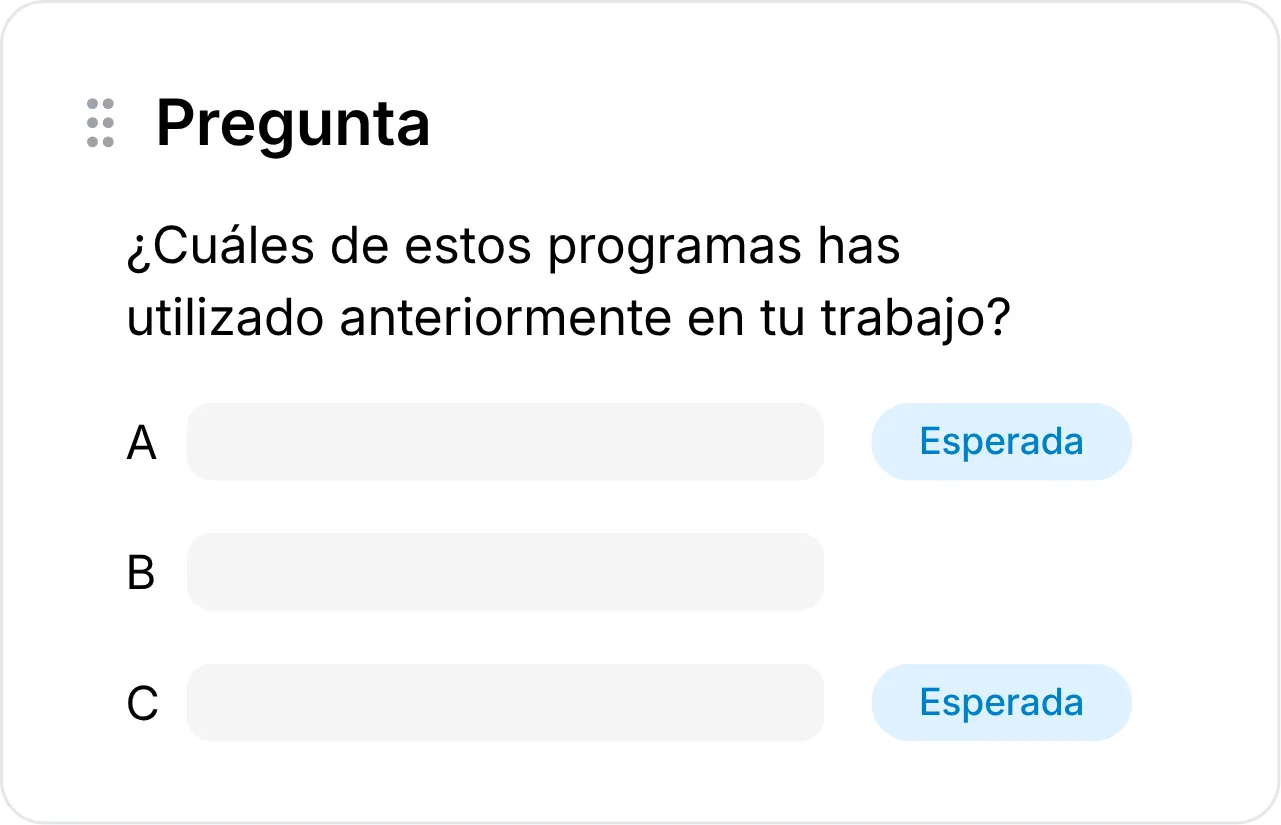
Add a questionnaire to the opening, mark the answers you expect and Horalia scores every application automatically.
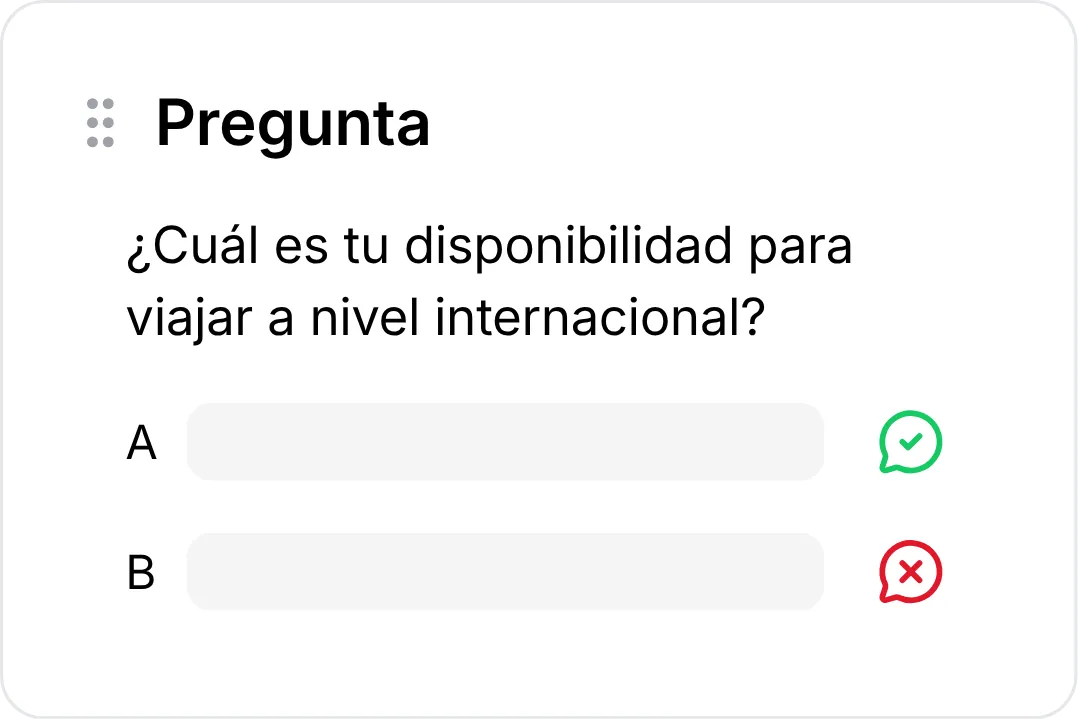

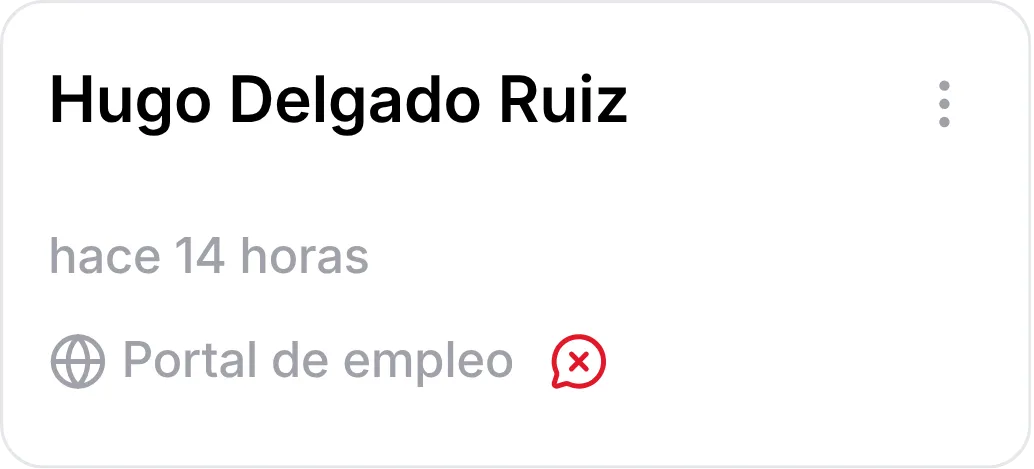
Screening questionnaires
Single choice, multiple choice or free text questions. Mark an answer as disqualifying and you will know straight away who does not meet the requirements.
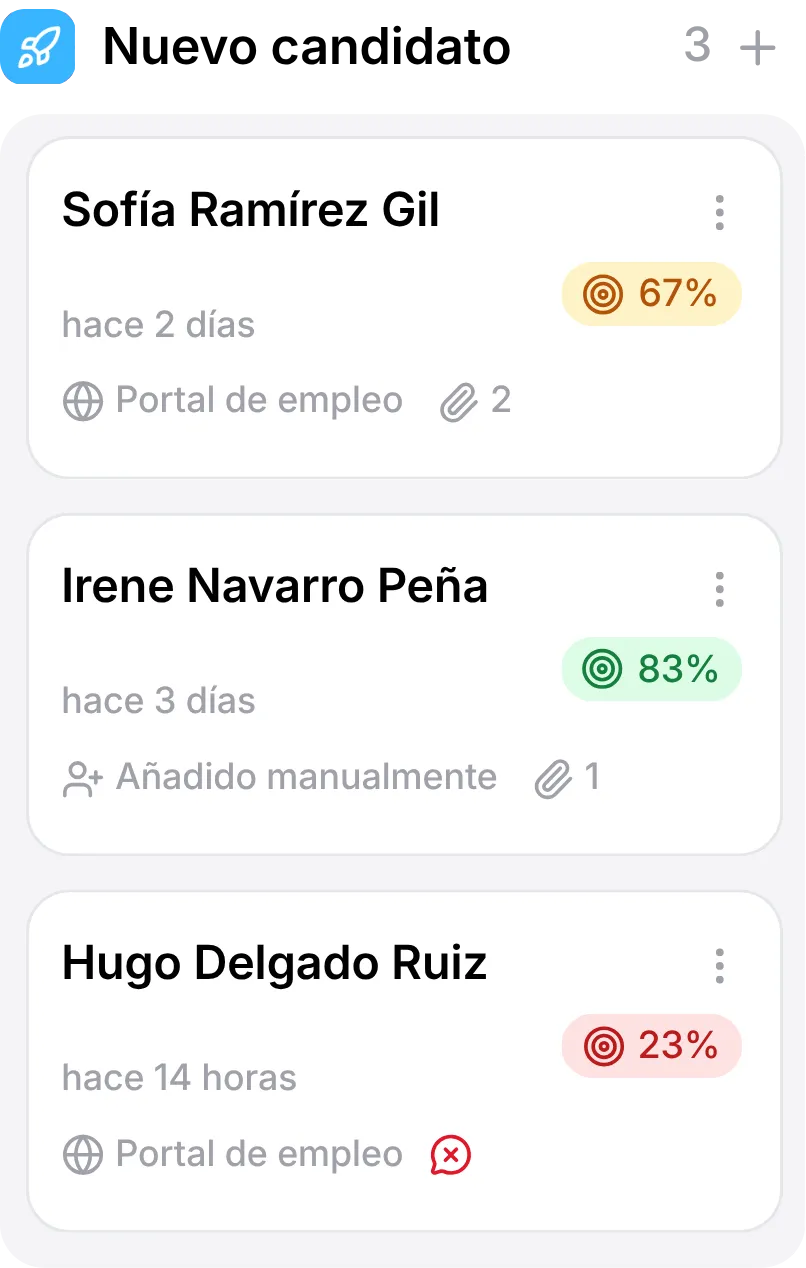
Match percentage
Every application gets a score based on the answers you were expecting. Sort the list by match and start with the people who fit best.
Your job portal, with your brand and visible on Google
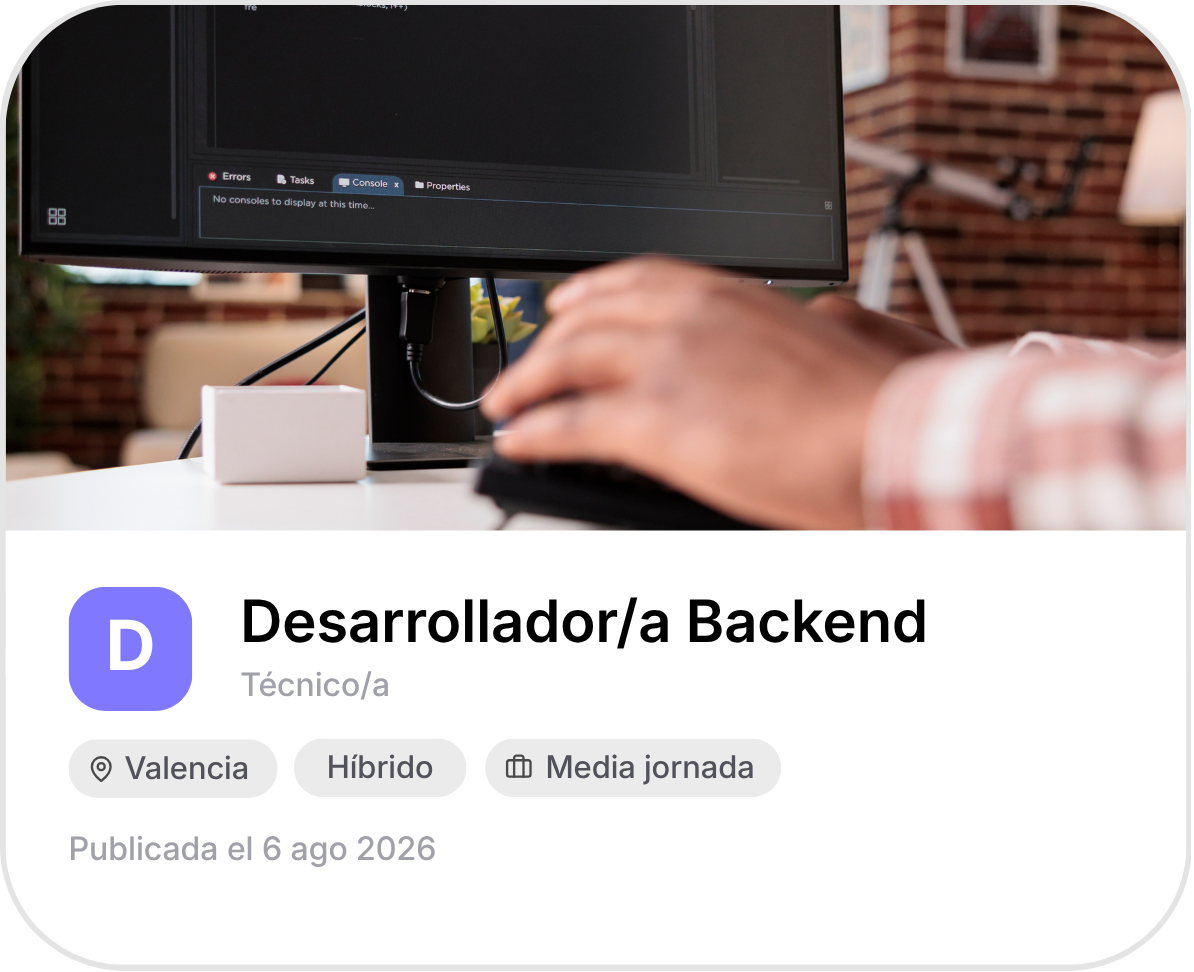
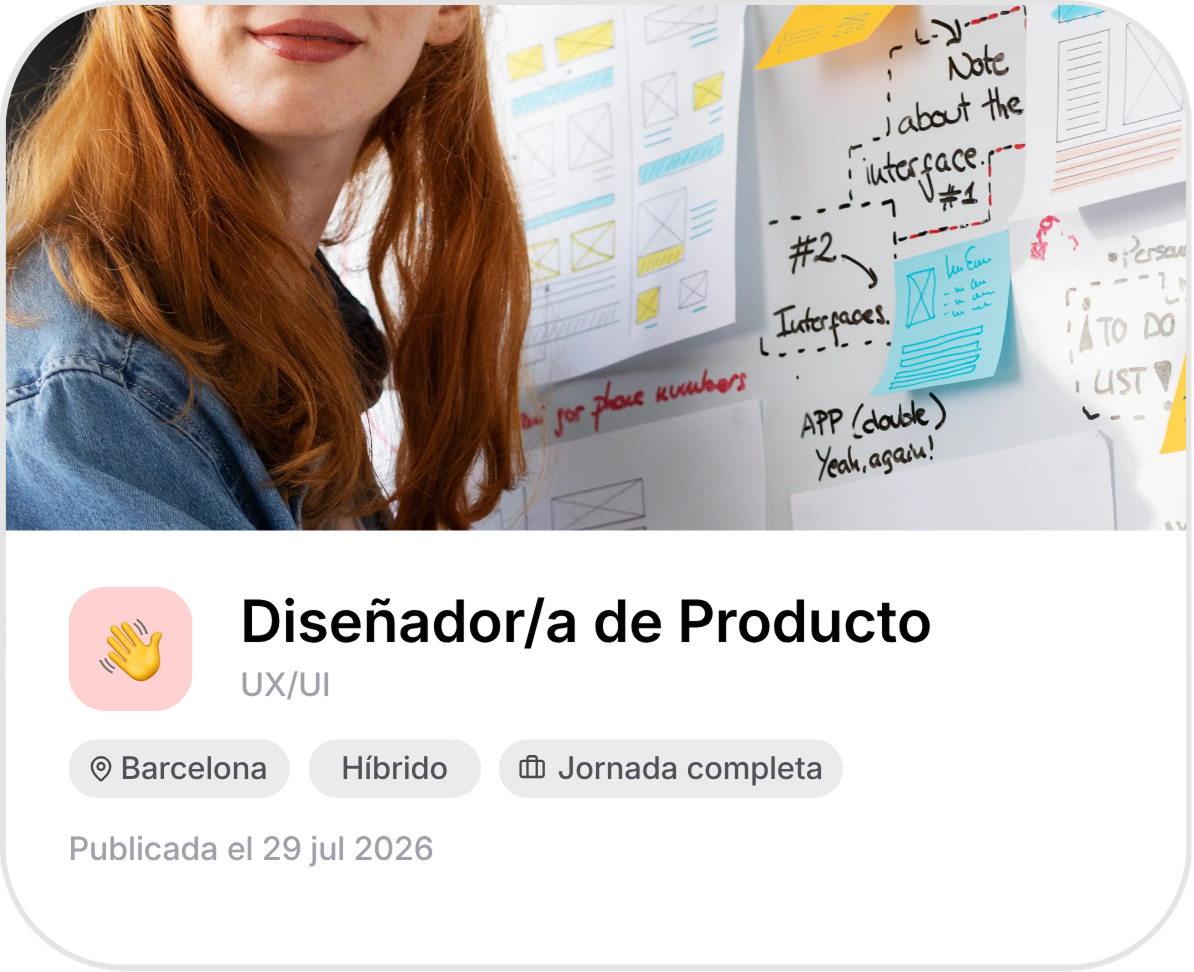
Every opening you publish becomes a page with your logo and an address of its own, indexable on Google and Google Jobs from day one.

Your brand, not ours
You choose the portal address and upload your logo and your share image. Horalia does not appear in the footer.
Ready for Google Jobs
Openings are rendered on the server with the JobPosting structured data that job search engines need in order to show them.
Embed it in your website
Copy the iframe snippet and the list of openings lives inside your own corporate website, always up to date.
Every candidate, in a single place
Search, filter and tag anyone who has been through any of your processes, with their CV, your internal notes and their history. And when you hire, turn them into an employee in one click.
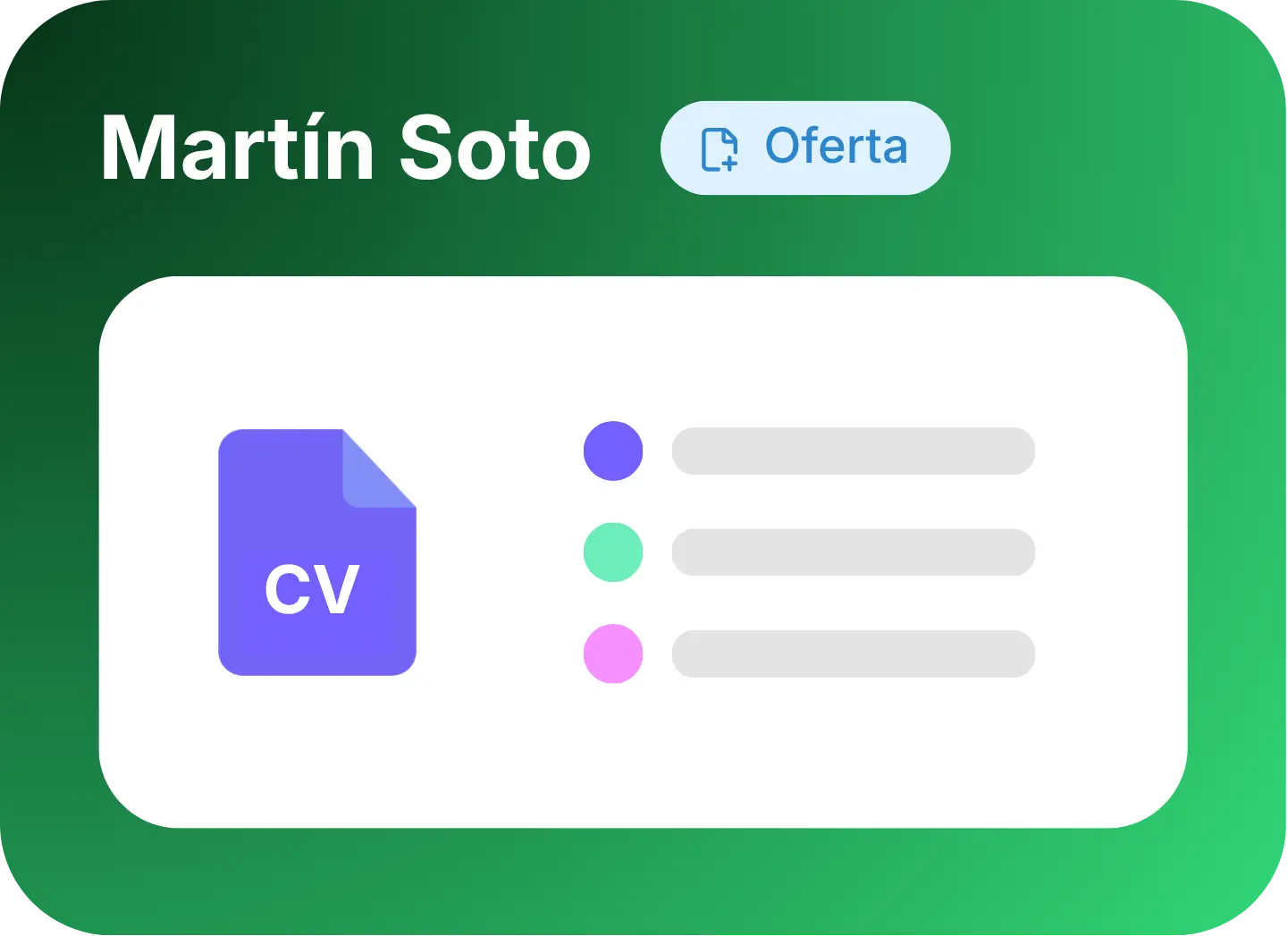




- Search and filters by opening, stage and tags
- CV and attachments with a built-in preview
- Internal team notes, with author and date
- Direct WhatsApp contact with candidates who have given their consent
Meet GDPR duties with your candidates' data
With CVs sitting in a mail folder, you cannot tell what each candidate was told, or when their data should be deleted. Horalia keeps a record of which privacy policy each candidate saw, and on what date, and deletes their data on its own once the retention period is up.
A traceable notice
The exact privacy policy each candidate saw is stored, along with the date it was given to them, even if you change it later.
Manual entries on the record
When a recruiter adds someone by hand, it is recorded who vouches for having obtained that data lawfully.
Talent pool with permission
Keeping a CV for future openings is a separate purpose, so it is asked for as a separate consent.
Automatic deletion
Once the retention period is over, the candidate's data and files are deleted on their own, with nobody having to remember.
Horalia warns you in advance about the applications that are about to reach the end of their retention period, so you can decide whether to renew them or let them expire.
Get your recruitment system running in five steps
From your first opening to your first contract, with no spreadsheets and no folders full of CVs lost in your inbox.
- 01
Set up your portal address
Decide the URL of your job portal. That alone makes it public.
- 02
Design your process
Create the stages a candidate goes through at your company and save them as a template.
- 03
Publish your first opening
Complete the wizard, check the preview and publish it on your portal.
- 04
Receive and screen candidates
Applications arrive on their own with the CV attached and already scored by the questionnaire.
- 05
Hire and onboard
Move the candidate to the final stage and turn them into an employee without typing their details again.
Shall we start?
Try Horalia for free
Access Horalia and try all its features
Discover all the platform's tools for free and interactively. Fill in the form to start trying Horalia today.
“We used to publish in three different places and the CVs ended up in each manager's inbox. Now everything comes in through our portal, and already scored.”
Marta Ibáñez
Head of Recruitment
“Setting up the job portal took us one afternoon. We embedded it in the corporate website and spontaneous applications multiplied.”
Álvaro Ruiz
People Director
“What gives me most peace of mind is the automatic deletion: I know I am not sitting on CVs from three years ago without realising.”
Nuria Sanchís
HR Officer
Horalia is not just HR software; it's a toolkit to transform your team management. Explore our time tracking, absence, schedule and more features.
Frequently asked questions
Everything you need to know about recruitment and hiring with Horalia.